
Look, I’m gonna level with you—the darknet isn’t some mysterious hacker underworld where everyone’s wearing hoodies in dark rooms. It’s just a part of the internet that requires specific software to access, and yeah, while sketchy stuff exists there, so do privacy advocates, journalists, and people who just really don’t like Mark Zuckerberg knowing what they ate for breakfast.
Let’s talk about doing this right.
What You Actually Need to Know First
The darknet (specifically the Tor network) is all about anonymity. But here’s the thing: your privacy is only as strong as your weakest link. Downloading Tor Browser and thinking you’re invisible is like putting on a disguise but leaving your driver’s license on your forehead.
Step 1: Get the Right Browser
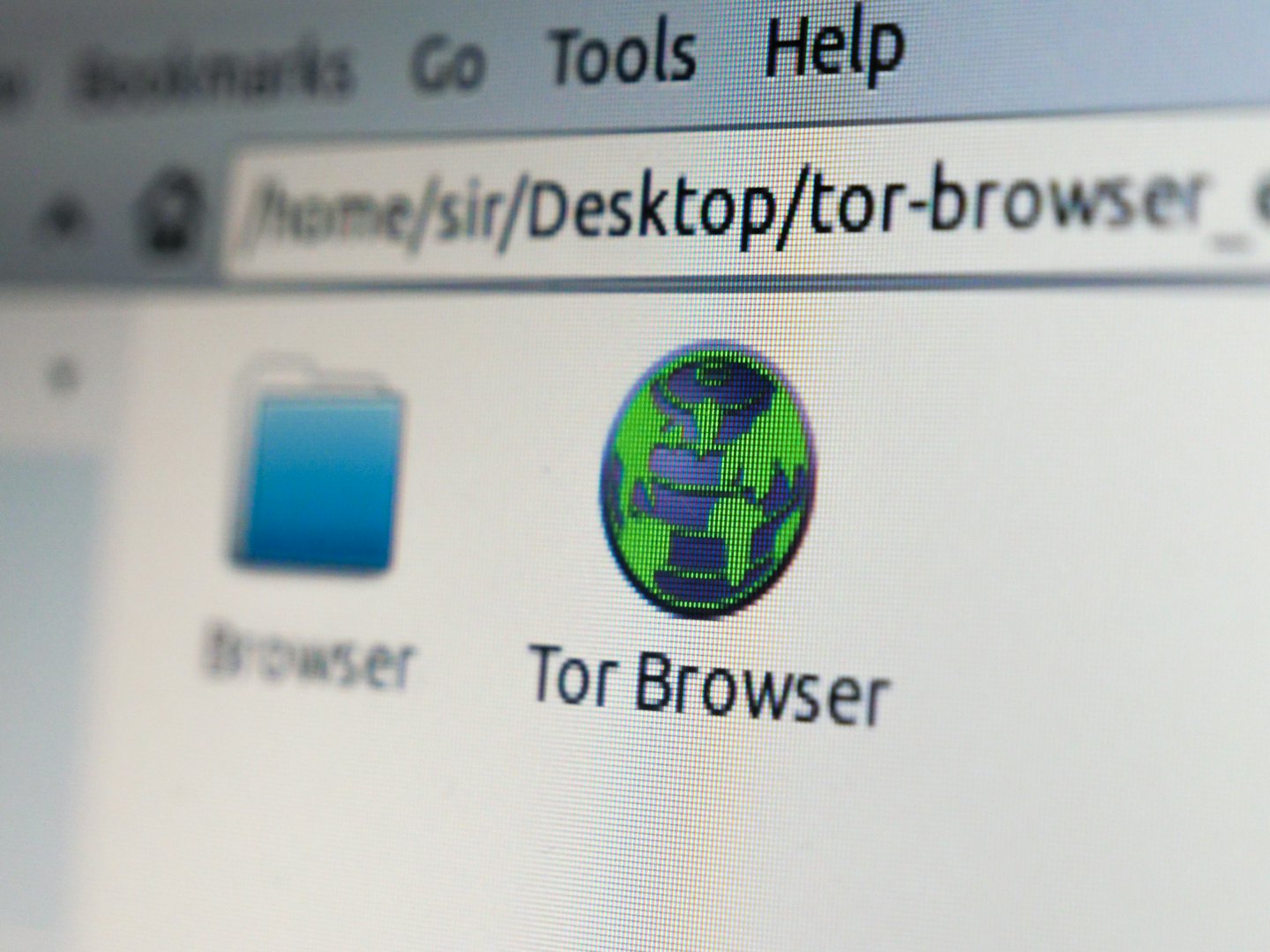
You need Tor Browser. Not some sketchy clone, not a “dark web browser” from the app store. The real deal from torproject.org.
Download it here: https://www.torproject.org/download/
Available for Windows, Mac, Linux, and Android. Sorry iOS users, you’ll need to use Onion Browser (not quite as robust, but it works).
Step 2: Disable JavaScript (Because You’re Not a Rookie)
JavaScript can leak your real identity faster than you can say “I thought I was anonymous.” Here’s how to disable JavaScript on Tor Browser:
On Tor Browser (PC/Mac/Linux):
- Open Tor Browser
- Click the shield icon (top right, next to the address bar)
- Click “Settings”
- Change Security Level to “Safest” — this disables JavaScript by default
- Done. You’re basically a ghost now (kind of).
On Android:
- Open Tor Browser
- Tap the three dots (menu) in the top right
- Go to “Settings”
- Tap “Security Settings”
- Set Security Level to “Safest”
- JavaScript is now dead to you.
On iPhone (Using Onion Browser):
- Open Onion Browser
- Tap the settings icon
- Go to “Security”
- Toggle “Block Scripts” to ON
- You’re as secure as iOS will let you be.
Step 3: Don’t Be Stupid (Seriously)
Here’s where people mess up when browsing the darknet safely:
- Don’t log into your personal accounts. If you check Gmail through Tor, congrats, you just told Google exactly where you are.
- Don’t download random files. That “free_bitcoins.exe” file? Yeah, that’s malware.
- Don’t full-screen your browser. Your screen resolution can be used to fingerprint you. Keep it windowed.
- Cover your webcam. I’m not paranoid, you’re paranoid. Actually, we’re both paranoid. Do it anyway.
- Don’t torrent through Tor. Seriously, just don’t. It’s slow, it clogs the network, and it can leak your real IP address.
What’s Actually On the Darknet?
Contrary to what every crime documentary wants you to believe, it’s not all hitmen and illegal marketplaces (though yeah, those exist). You’ll find:
- Privacy-focused forums
- Whistleblowing platforms (like SecureDrop)
- Uncensored news sources
- Cryptocurrency discussions
- Academic resources and libraries
- A lot of dead links (like, a lot)
Understanding .onion Addresses
Regular websites end in .com, .org, or whatever. Darknet sites end in .onion, and they look like someone smashed their keyboard: something like 3g2upl4pq6kufc4m.onion. These addresses only work through Tor Browser, so don’t even try copying them into Chrome.
Navigation Tips
Finding stuff on the darknet takes patience. That’s where we come in. Links get shared on forums, Reddit (yeah, really), and through word of mouth. Some .onion sites have search functionality, but expect it to be janky. This isn’t Google—it’s more like the internet in 1998, except everyone’s wearing a digital ski mask.
Final Tips for Not Being “That Guy”
- Update Tor Browser regularly. Old versions = security holes.
- Don’t use your real name, email, or any identifying info. Create a whole new persona. Be Brad. Brad’s cool.
- Assume everything is compromised. Healthy paranoia keeps you safe.
- If something feels off, it probably is. Trust your gut and bounce.
- Never give out payment info or personal details. This should be obvious, but you’d be surprised.
The Bottom Line
The darknet is a tool. Like any tool, it can be used for good or bad. Journalists use it to communicate with sources in oppressive regimes. Activists use it to organize without government surveillance. You can use it to explore a part of the internet that values privacy over profit.
Just don’t be an idiot about it.
Stay safe out there, and remember: Download Tor Browser here (https://www.torproject.org/download/) and keep JavaScript disabled. Your future self will thank you.
Now go forth and browse like the privacy-conscious legend you are. 🕵️♂️
Sometimes, the simplest moments hold the deepest wisdom. Let your thoughts settle, and clarity will find you. Use this quote space to share something inspirational or reflective, perfectly aligned with the theme of your article.

Leave a Reply